
Advertisement
Click to download now, finish the installation quickly, and directly unlock the all-round experience
Advertisement
Screenshots
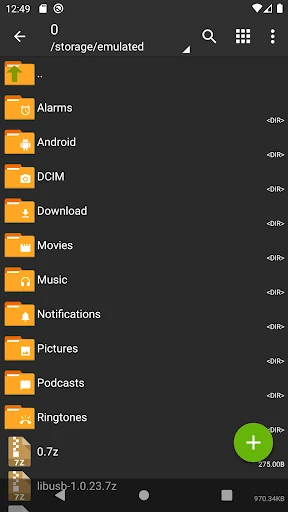
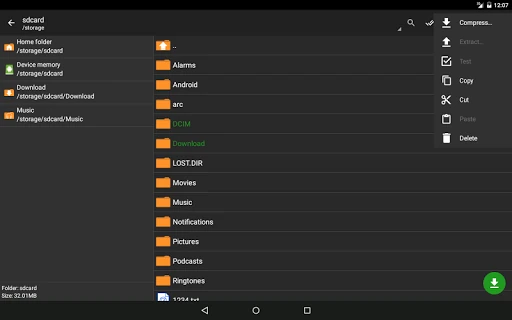
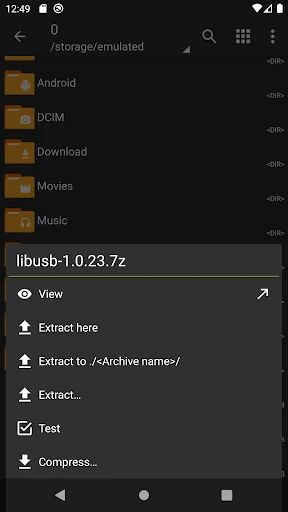
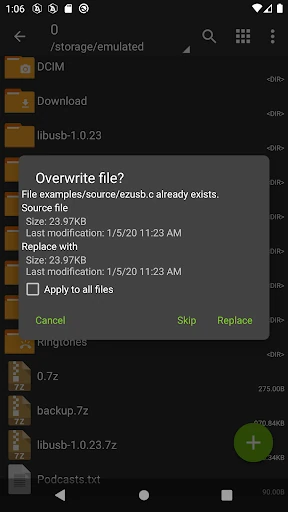
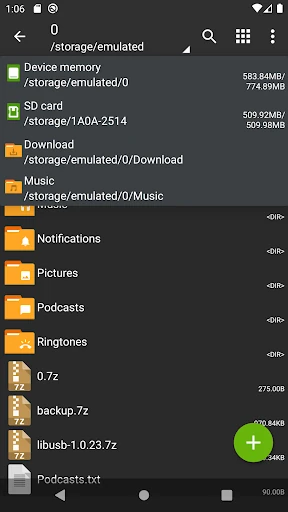
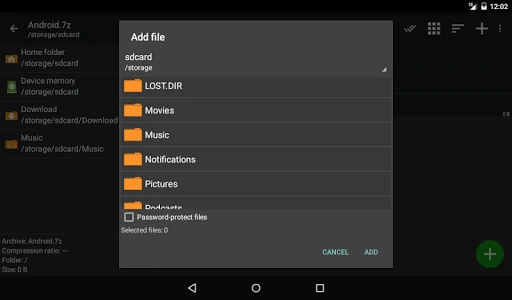
Click to download now, finish the installation quickly, and directly unlock the all-round experience
ZArchiver is a file archiving tool for Android. It suits users who need to open, create, inspect, or update compressed files without switching between several utilities. The app is developed by ZDevs and is listed in the Tools category.
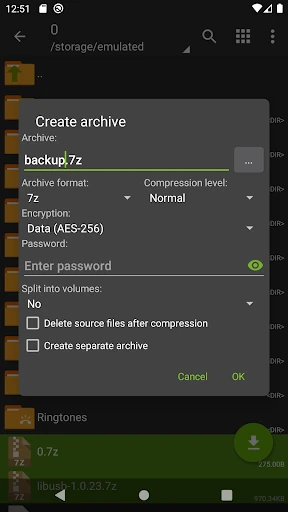
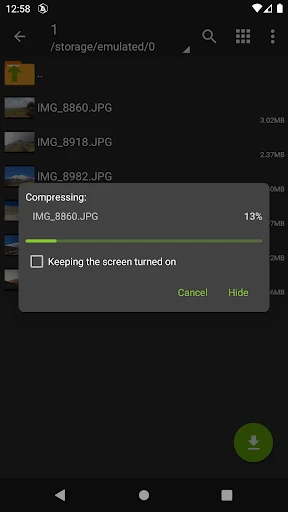
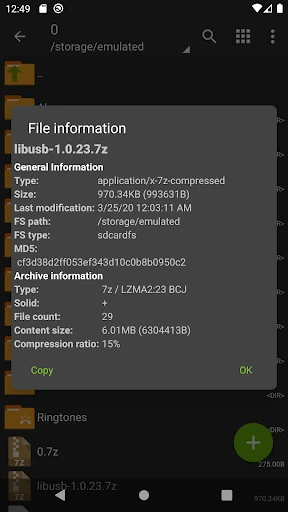
ZArchiver can create archives in formats including 7z, zip, tar, gzip, bzip2, XZ, lz4, and zstd. It can extract and browse a wider range of archive types, including rar, rar5, iso, cab, deb, rpm, dmg, wim, cpio, and split archive sets. This makes it useful for both everyday file sharing and less common package formats.
The app can add or remove files in supported zip, 7z, tar, apk, and mtz archives. It also supports opening archive files from mail applications and can install APK or OBB files from an archived application backup. These options are aimed at users who regularly organize stored files, manage backups, or handle packages outside a basic file browser.
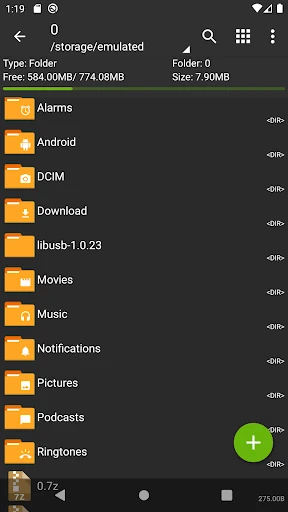
ZArchiver has a 4.13 rating from more than 1.4 million reviews and has recorded 100,000,000+ installs. Its interface is focused on file selection and archive actions, while the app states that it does not have internet access for sending information to other services or people.