Advertisement
Click to download now, finish the installation quickly, and directly unlock the all-round experience
Advertisement
Screenshots
Click to download now, finish the installation quickly, and directly unlock the all-round experience
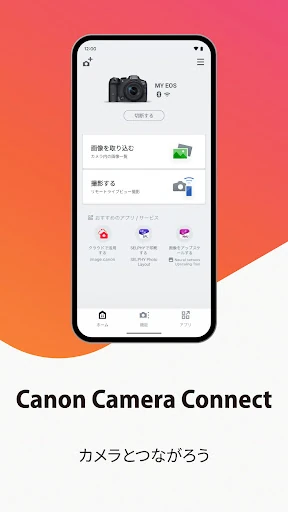
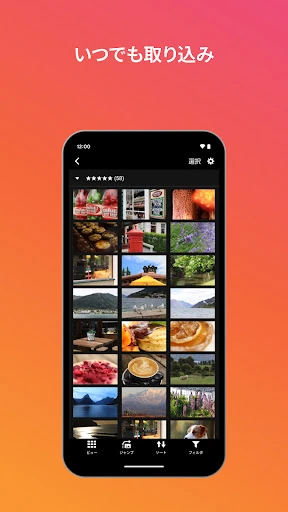
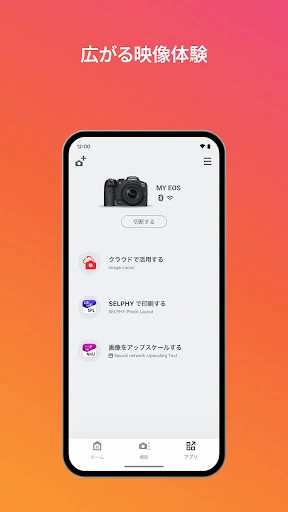
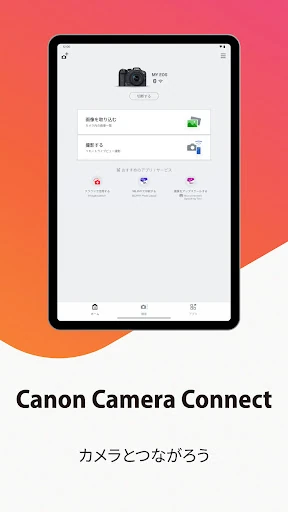
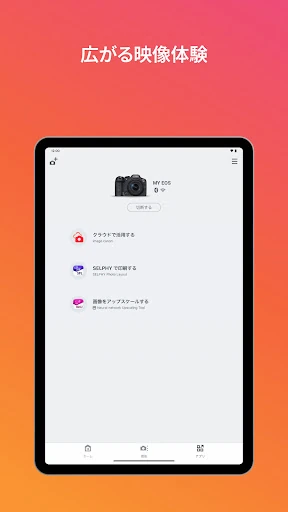
Canon Camera Connect links compatible Canon cameras with an Android phone or tablet. It is designed for photographers who want to review and move camera images without first using a computer. The app can connect through the camera’s Wi-Fi, either directly or through a wireless router, and can save supported images and videos to the mobile device.
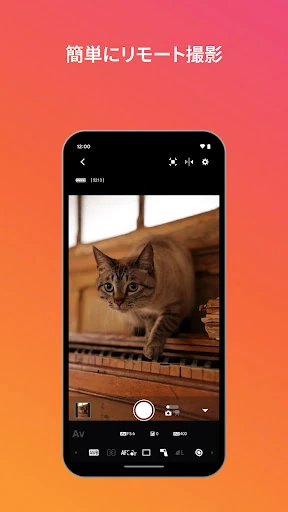
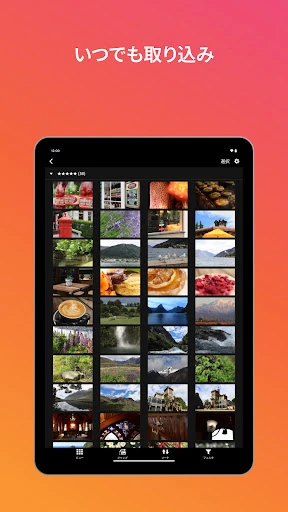
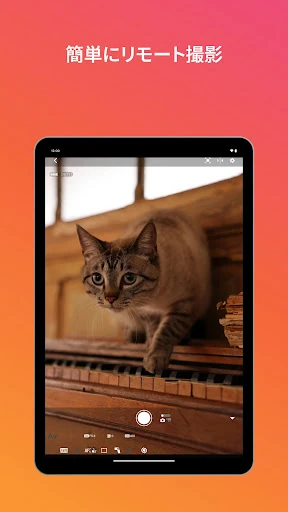
Use the app to browse images on a connected camera and transfer selected files to your phone. Compatible cameras can also provide a live view for remote shooting, letting you frame a scene and trigger the camera from the mobile device. Bluetooth-capable models may support remote shutter release, while some cameras can switch from Bluetooth pairing to a Wi-Fi connection for image transfer and live view.
The available controls depend on the Canon camera and the connection method. Saved formats include JPEG, MP4 and some MOV files. Original RAW files are not imported as RAW; supported RAW images are resized to JPEG. Certain MOV, 8K, HEIF, RAW movie and AVCHD files cannot be saved through the app. Bluetooth functions require a compatible camera and an Android device with Bluetooth 4.0 or later.
Canon Camera Connect is published by Canon Inc. in the Photography category. It has a 4.42 rating from 316,577 reviews and records 10,000,000+ installs. Android device compatibility is not universal, so the supported camera model and the phone’s operating system should be checked before relying on a particular feature.