Advertisement
Click to download now, finish the installation quickly, and directly unlock the all-round experience
Advertisement
Screenshots
Click to download now, finish the installation quickly, and directly unlock the all-round experience
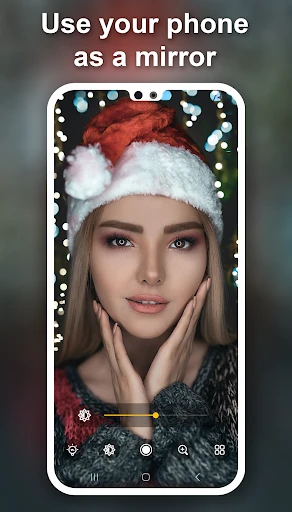
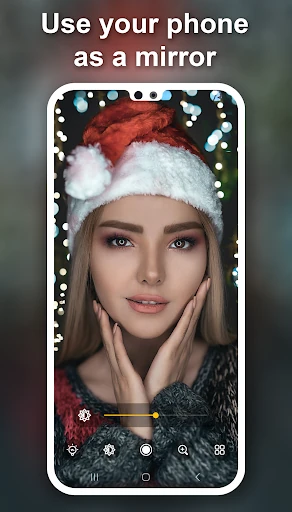
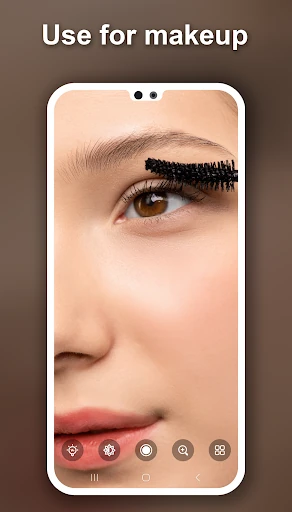
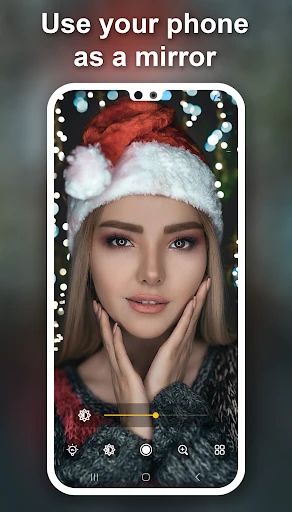
Mirror turns your Android phone into a simple everyday mirror. Use the front camera to check your appearance, or switch to the back camera when that view works better. It suits anyone who wants a mirror close at hand before going out, while travelling, or when a wall-mounted mirror is not available.
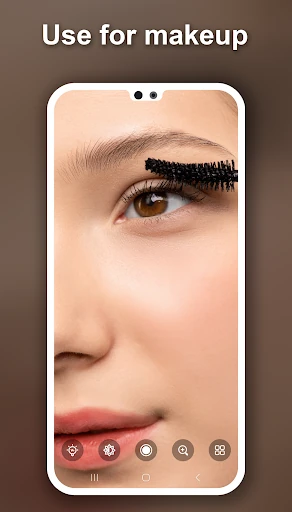
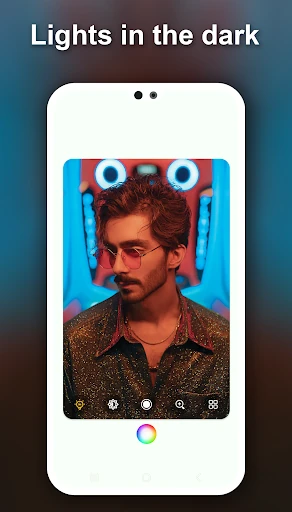
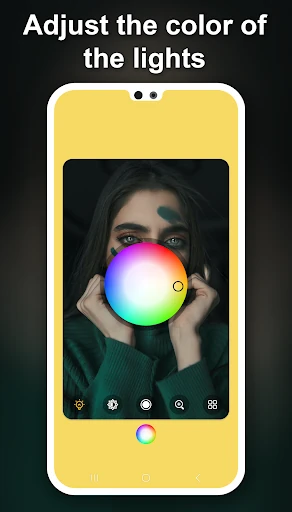
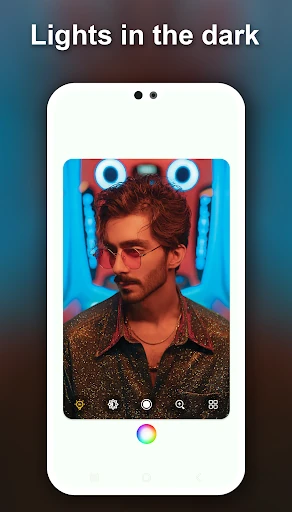
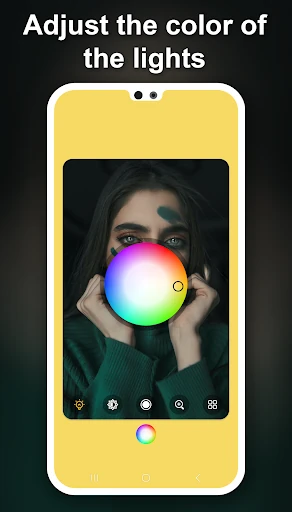
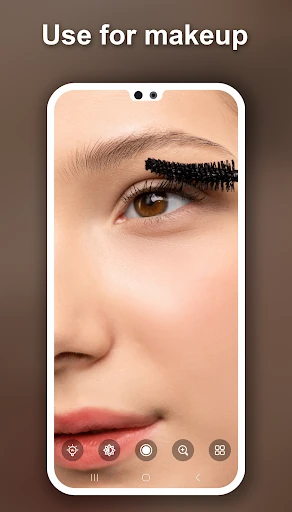
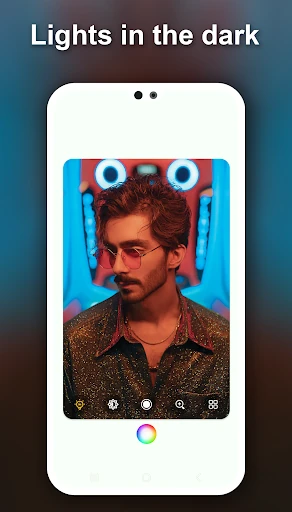
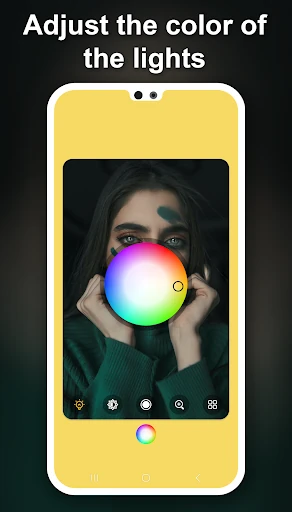
The front-camera view can use your screen as a light source in dark surroundings. You can also adjust the screen-light colour to match the look you want while checking your face, hair, or makeup. A zoom function helps you inspect smaller details more closely.
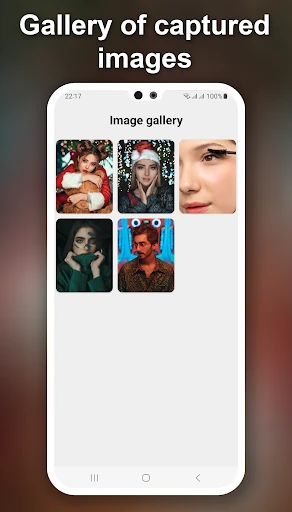
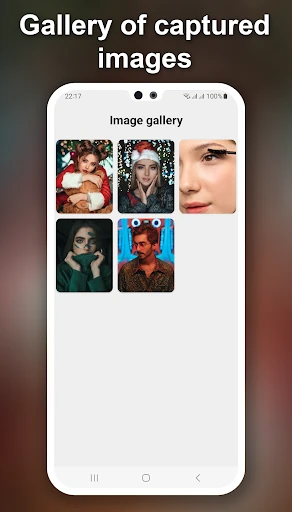
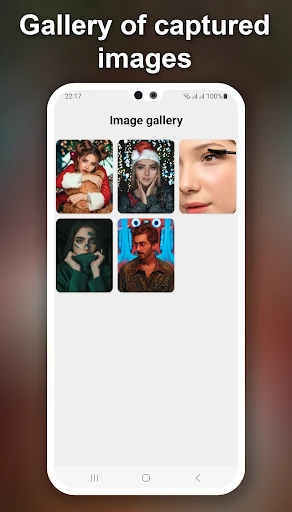
Mirror includes a photo gallery for managing pictures taken through the app. A quick-access key is included for opening the mirror without searching through your apps each time. These controls keep the main use straightforward: open the app, choose a camera view, and check what you need to see.
Mirror is listed in the Beauty category and is developed by Mabixa. It has a 4.46 rating from 3,625 reviews and has reached 100,000+ installs. Its feature set is focused on personal checks, low-light use, close-up viewing, and keeping captured images in one place.